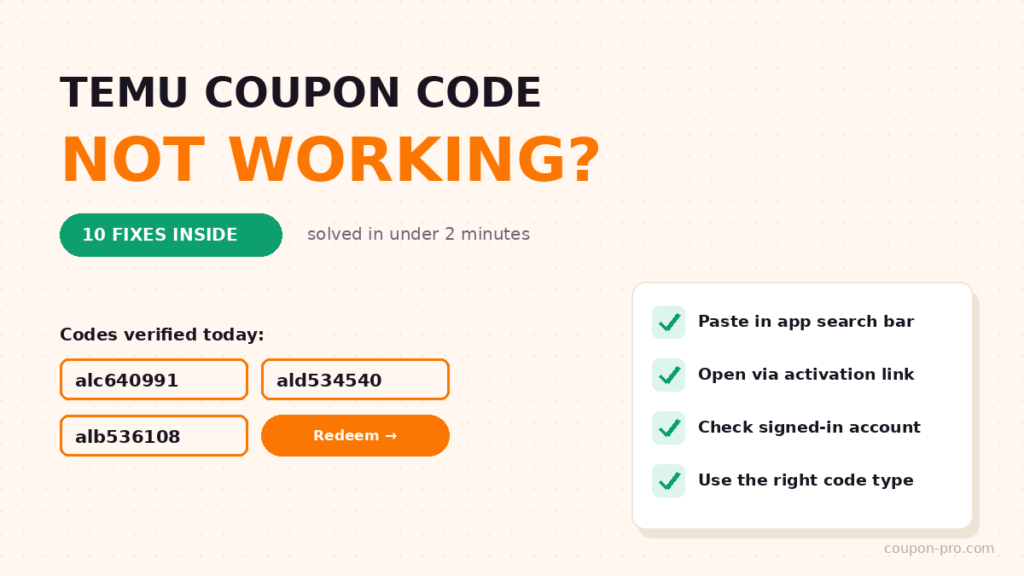
You found a code, typed it in, and Temu shrugged: invalid. Or not eligible. Or – the silent treatment – nothing happened at all. Before you conclude that every Temu coupon on the internet is fake, take ninety seconds with this list. In our experience answering reader emails, all but a handful of “broken” codes come down to one of the ten causes below, and most have a fix.
First, rule out the obvious: is the code even alive?
Codes rotate constantly, and most of the internet never cleans up after them. These three are re-verified by our team daily – if the code you tried came from a months-old video or forum post, swap it for one of these and try again before debugging anything:
The 10 fixes, in the order to try them
1. Paste the code in the app’s search bar – not the checkout field
This is the big one. Temu’s promo codes are designed to open an offer page when pasted into the search bar at the top of the app. The checkout coupon field is where almost everyone instinctively types them, and where most codes do nothing. Copy the code, tap the search bar, paste, go.
2. Open Temu through an activation link first
Codes are tied to promotions, and promotions attach to your session when you arrive through an activation link (like the orange buttons above). If you typed temu.com into a browser or opened the app cold, the promotion may simply not be present. Close, tap the button, try again.
3. Check which account you’re signed in to
Household with two Temu accounts? Signed up years ago with an email you forgot? Offers attach to the account that opened the link. Sign out, sign back in with the account you actually shop on, and re-paste the code.
4. You’re using a new-user code on an existing account
“Not eligible” on a 50%-off welcome code almost always means your account has order history. That code will never work for you again – and that’s fine, because different codes exist for your situation. Swap to the $100 bundle above, then read our existing-users guide for the full playbook.
5. The offer hasn’t reached your region
Temu runs different promotions in different countries, on different schedules. If a code opens nothing at all, region is a likely suspect. There’s no fix except patience – check back in a few days, or grab whichever of our verified codes does open an offer page for you.
6. Your cart items are excluded
Discounts apply to eligible items, and some categories or already-discounted products sit outside a given promotion. If the code redeemed fine but checkout shows no discount, try adding an item from the offer page itself – those are eligible by definition.
7. The minimum spend isn’t met
Vouchers – especially the ones inside the $100 bundle – activate above a spend threshold. A “$15 off $79” voucher stays dark on a $60 cart. Check the voucher’s terms in your coupons page and build the cart just past the line. (Full bundle mechanics: the $100 bundle, explained.)
8. You’re trying to stack two codes on one order
Temu applies one promo code per order. If a coupon is already attached, a second one will bounce. Use the better of the two now; save the other for your next order.
9. Your app is outdated
Promotion pages are built for current app versions. An app that hasn’t updated in months can fail to open offer pages entirely. Update Temu in your app store, restart it, and paste the code again.
10. Cache gremlins: the last resort
If literally everything above checks out, sign out of the app, clear its cache (or reinstall), open Temu through the activation link, sign in, and redeem once more. This clears the rare stuck state where an old session blocks a new promotion.
Still not working? Do these two things
Tell Temu. The app’s support chat can see your account’s eligibility in a way no outside site can, and agents can sometimes apply an equivalent offer manually.
Tell us. If a code from this site failed for you, report it through our contact page with your country and a screenshot. We re-test within hours and pull anything that’s genuinely dead – that’s the whole reason our codes stay trustworthy.
Prevent the next “invalid code” moment
- Only use date-stamped codes. Every offer on our homepage shows when it was last verified. No date, no trust.
- Always copy, never type. One character off and you’ll blame a working code.
- Redeem in the app when possible. The biggest offers live there, and the search-bar flow is more reliable than any website field.
- Match the code to your account type. New-user codes for new accounts, bundles and gift codes for everyone else.
Quick FAQ
Why does Temu say “coupon not eligible”?
Nearly always: a new-user code on an account with order history, the wrong signed-in account, or a region where the offer isn’t live. Fixes 2, 3, 4 and 5 above cover all three.
Do Temu codes expire?
Yes, constantly – both public codes and the individual vouchers in your account. Check dates the day you claim, and spend vouchers soonest-expiring first.
Where do I find codes that definitely work today?
On our homepage – every code there was opened and tested by a human being today, and it’s updated for October 2026.
Last verified: August 16, 2026.